Updated:
15 October 2024
Purpose
In Outlook for Windows, attachments are not included when you reply or reply to all, and must be added manually.
This add-in automatically includes the original attachments when you reply or reply to all.

The application is a COM add-in compatible only with classic desktop Outlook for Windows. It does not support the new Outlook for Windows.

Current version: 1.0.8
Installation
- If Outlook is running, close it. Then download and extract ReplyWithAtt-Demo.zip. Run ReplyWithAttSetup(DEMO).exe and follow the on-screen instructions.
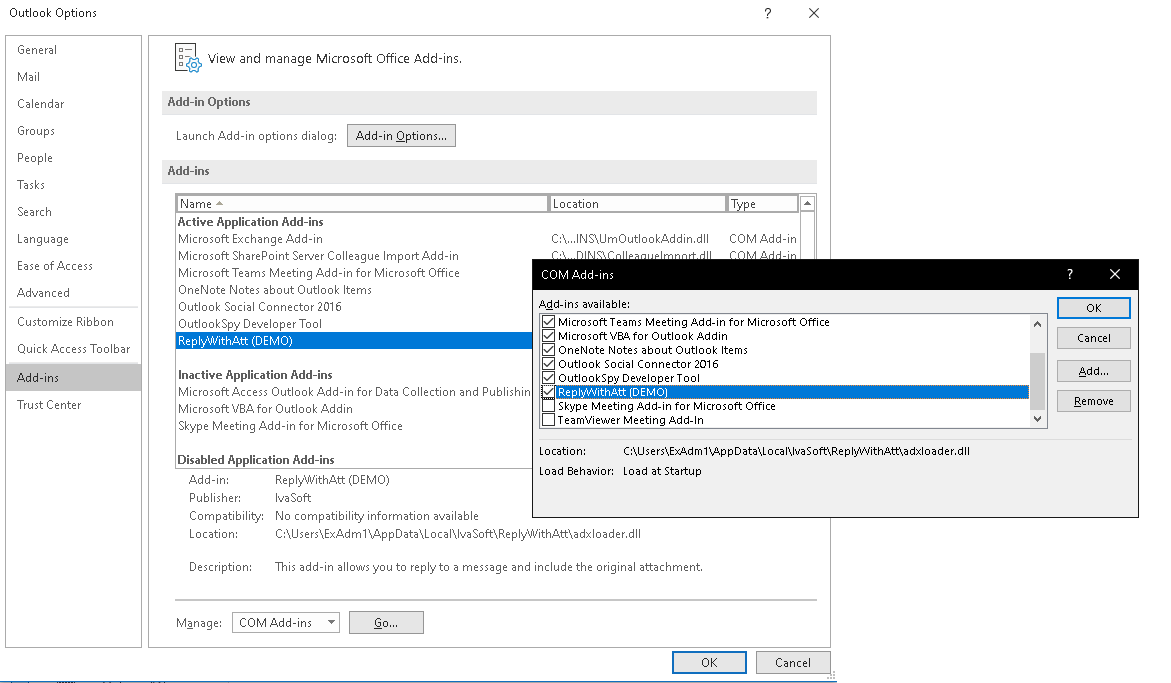
- Start Outlook and click File > Options > Add-ins. Select "COM add-ins" in the Manage: list box (at the bottom of the dialog) and click the Go button. Verify that ReplyWithAtt appears in the list and is enabled.

Testing
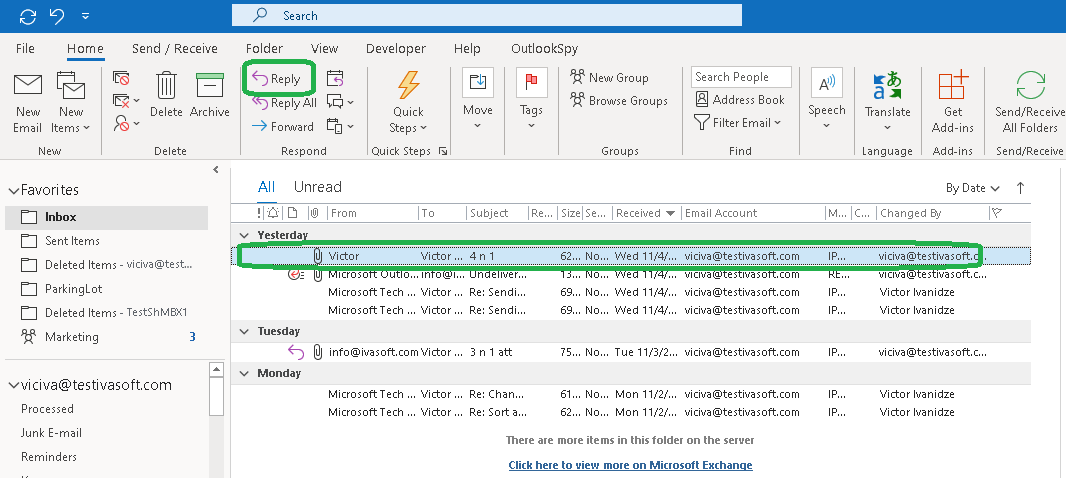
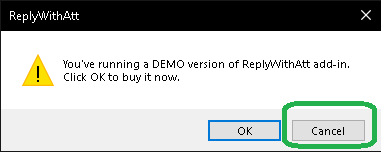
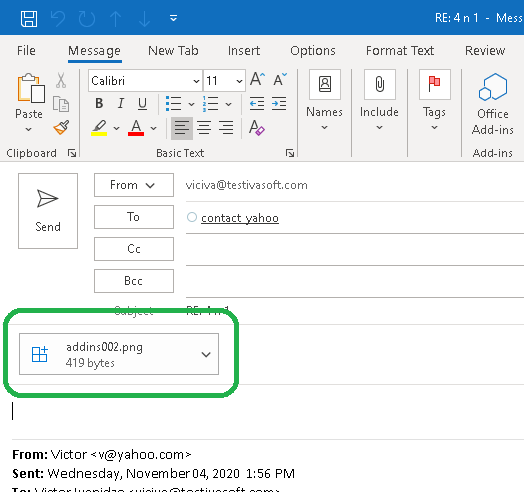
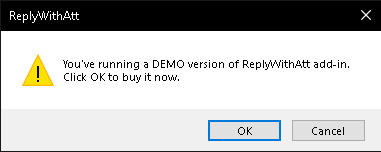
- Select any message with an attachment in your Inbox and click Reply. In the demo version, a warning message will appear — click Cancel to dismiss it. The reply message contains the attachments from the original message.

- Repeat the test using Reply All.
Demo Version Notes
The demo version shows a warning message when you click Reply or Reply All; the full version does not.
Uninstallation
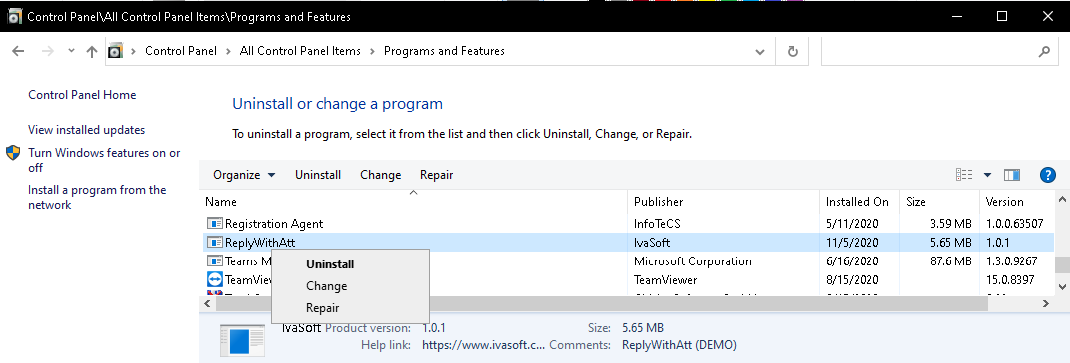
You can uninstall the add-in via Settings > Apps ("Installed Apps" in Windows 11, "Apps & features" in Windows 10).
Pricing and Licensing
This product is licensed per user.
Payments are processed by PayPro Global. For payment-related support, contact PayPro Global Customer Support.
A Site license covers a single organization at one physical location, with an unlimited number of installations.
An Enterprise license covers all computers across a single organization worldwide, including all branches and remote users.
Affiliate Program
Earn a commission on every sale you refer through the PayPro Global affiliate network.
- Register as an IvaSoft affiliate in PayPro Global Affiliate System.
- Review the IvaSoft affiliate campaign details, including enrolled products and target markets.
- Wait for approval from IvaSoft to activate your affiliate agreement.
- Download the promotional materials and referral link from your affiliate agreement.
- Place a banner ad or contextual link on your website or blog.
- Receive monthly payouts as outlined in your affiliate agreement.